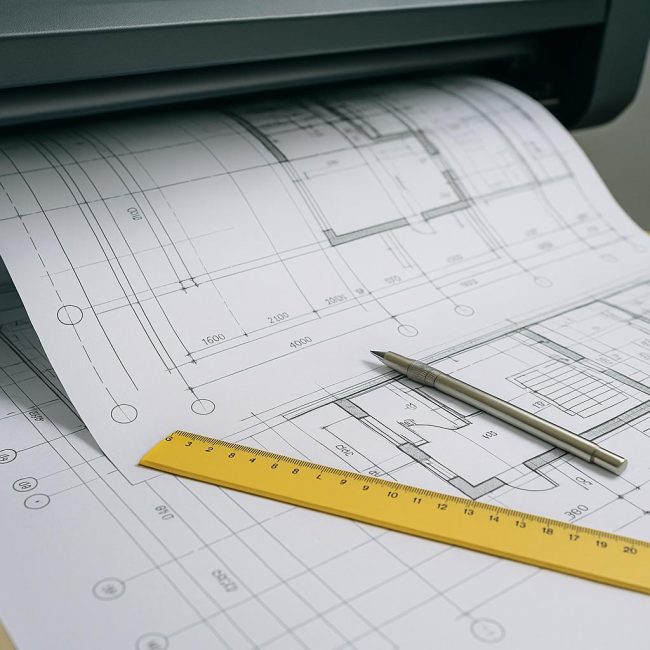
Modern construction is unimaginable without precise and accurate documentation. Every drawing, plan, diagram, or section is more than just a graphic, but a language used by engineers, architects, and contractors to exchange information. That's why copying designs is a key stage in the design documentation process. The accuracy of the lines, scales, and markings accurately reproduced determines not only the quality of the work but also the safety of the future project.
In the digital age, it may seem that copying paper designs has become obsolete. However, in practice, printed copies are most often used at construction sites, during approvals, and for expert assessments. Therefore, the accuracy of engineering printing and protection from distortion remains critical.
- Why Copy Distortion Is a Serious Problem
- The main causes of distortion during copying
- Incorrect plotter or copier settings
- Uneven paper tension
- Incorrect file preparation
- Wear of optical systems in copiers
- How to avoid scale and line distortion when copying
- Regular calibration of equipment
- Control of indoor humidity and temperature
- Using the right paper and ink
- Checking the scale on the control marks
- Digital copying instead of optical
- Using professional engineering printing services
- Features of copying large formats
- Quality control after printing
- Tips for organizing your workflow
- Results
Why Copy Distortion Is a Serious Problem
Any engineer knows: even a small deviation in scale of a few millimeters can result in a serious construction error. For example, if an A1 sheet is slightly "stretched" in length during copying, a misalignment will occur when the sheets are aligned. As a result, installers receive inaccurate measurements, leading to distortions, excess material consumption, or the need to rework components.
Distortions in lines, thicknesses, text, and dimensions affect not only the legibility of drawings but also the legal validity of the document. After all, construction drawings are official documents used during the commissioning of a facility. Therefore, each copy must be an exact copy of the original, without the slightest deviation.
The main causes of distortion during copying
Errors when copying construction projects can occur at various stages, from file preparation to equipment selection. Let's look at the main sources of problems.
Incorrect plotter or copier settings
If the formatting equipment is not calibrated, printing can "stretch" the image in one direction—most often along the length of the roll. This is especially noticeable when copying A0 and A1 drawings, where even 1% distortion translates into several millimeters.
Uneven paper tension
As the paper passes through the device, it may shift or warp slightly due to humidity, overheating, or improper feeding. This results in curved lines and slightly misaligned text.
Incorrect file preparation
If a drawing is exported from AutoCAD or another CAD system without regard to the sheet format or with an incorrect scale, even perfect equipment will print an incorrect copy. Other common problems include disabled layers, incorrectly set margins, and incorrectly defined borders.
Wear of optical systems in copiers
When scanning old drawings, the optics can produce blurry or jagged lines. Even when printed, the copy already contains distortions, which are then "multiplied" with each new copy.
How to avoid scale and line distortion when copying
To achieve the ideal result, it is important to approach project copying systematically, taking into account all factors: technical, organizational, and human.
Regular calibration of equipment
Any professional engineering printing device (such as a wide-format plotter or copy scanner) requires periodic calibration. This is a procedure for checking the accuracy of printhead movement, paper feed, and color reproduction.
For construction projects, it is especially important to calibrate the scale horizontally and vertically—the tolerance should be no more than 0.2 mm per meter.
Control of indoor humidity and temperature
Paper is a living material. It can expand or contract with changes in humidity. If printing is done in a damp or overheated environment, the results will be unpredictable. Optimal conditions: temperature 18–24°C, humidity 40–60%.
Using the right paper and ink
Cheap paper often has inconsistent density and is prone to warping. For engineering printing, it's best to use paper with a minimum density of 80 g/m² and a smooth surface. The ink should be permanent, resist bleeds when exposed to water, and produce crisp lines of 0.1–0.2 mm.
Checking the scale on the control marks
Before a series of copies, it's helpful to print a test page with reference dimensions (e.g., a 100x100 mm square). If the measured result matches the reference, you can proceed with printing. This is a simple yet effective way to avoid errors across hundreds of sheets.
Digital copying instead of optical
Modern technologies allow for high-resolution scanning of drawings (600 dpi and higher) and subsequent digital printing. This method eliminates the distortions inherent in analog copying systems and ensures 1:1 accuracy.
Using professional engineering printing services
If the volume of documentation is large and quality requirements are high, it's best to entrust copying to specialized centers. These centers regularly maintain their equipment, use certified paper, and have operators who are knowledgeable about working with project documentation.
Features of copying large formats
A0 and A1 formats are the most difficult to reproduce accurately. At lengths exceeding a meter, any microscopic misalignment or uneven paper feed becomes noticeable.
For such cases, professional plotters with automatic feed control and linear roll stabilization are used. Proper preparation of the original is also important: the drawing must be cut evenly and secured to the guides.
When copying scanned files, consider the resolution and aspect ratio. If the "auto-fit" mode was enabled during scanning, the image may be slightly compressed. Therefore, before printing, it's recommended to disable scaling and print at "actual size."
Quality control after printing
Even with perfect equipment settings, it's important to check the results. This can be done selectively, using several sheets from a batch.
Main verification parameters:
- correspondence of scale along the X and Y axes;
- legibility and line thickness;
- absence of "steps" on the diagonals;
- correctness of frames and stamps;
- Matching grid sizes and inscriptions.
If a discrepancy is detected, the equipment must be reconfigured and the batch reprinted. A small loss of time on inspection saves enormous construction costs.
Tips for organizing your workflow
- Keep reference copies — samples by which new prints can be compared.
- Preserve a digital archive all drawings in PDF/A or TIFF format with a resolution of at least 300 dpi.
- Do not mix different paper weights. in one set - this causes distortions during storage and verification.
- Number and label copies, especially if they are transferred between departments.
- Maintain your equipment regularly — especially in organizations where dozens of A1–A0 sheets are printed daily.
Results
Copying construction designs isn't just a mechanical process. It's a technological process that combines engineering precision, attention to detail, and a keen understanding of materials. Errors in scale and lines may seem insignificant on paper, but on the construction site, they translate into actual millimeters of concrete, steel, and brick.
To avoid distortions, it's crucial to combine high-quality equipment, proper file preparation, and control at every stage. Digital engineering printing allows for absolute precision, but only with strict process discipline.