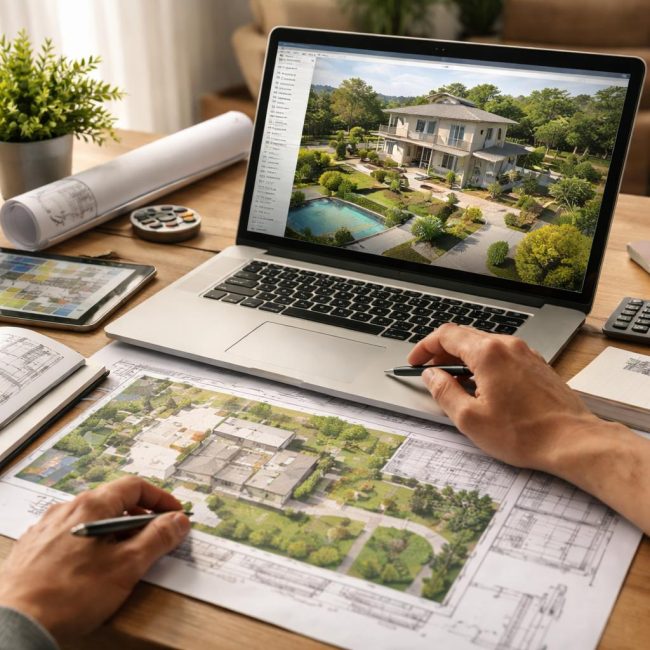
Designing houses and landscaping is an important and responsible process that requires a careful approach and the right tools. Today, the market offers numerous programs for creating architectural and landscape designs, each with its own features, advantages, and limitations. Choosing the right software is a challenge not only for professionals but also for ordinary users seeking to design their home or landscaping based on their personal preferences and needs.
Why do you need a program for designing houses and plots?
Modern technologies make it significantly easier to create home and landscaping projects, ensuring high accuracy and visualization at every stage of the process. Design programs offer convenient tools for building modeling, structural load calculations, and utility and landscape planning. They can be used by both professional architects and designers, as well as individuals who want to design their own home or landscape their property themselves.
One of the key aspects when choosing a program is ease of use and the availability of functions that will allow you not only to create an accurate model, but also to evaluate its viability in terms of practical application.
The essence of how house design programs work
House and land design software offers a range of tools for creating detailed building models, taking into account building codes and design requirements. Most of these programs have simple interfaces that are suitable for both novice and experienced users. The following features are often included:
- Design of floor plans and facades.The ability to model rooms, doors, windows, and other building elements. Some programs allow you to detail the materials from which the building will be constructed.
- Calculations and analysis.Software can automate structural load calculations, material strength testing, and energy cost assessments, all of which are essential for creating efficient and safe projects.
- 3D modeling.Visualizing a project in 3D helps you better understand how a house or site will look in real life. This allows you to make changes in advance and adapt the design to real-world conditions.
- Integration with other tools.Some programs allow you to synchronize your project with other engineering and construction applications, making your work easier.
How house and land design software is used in practice
Design software can be used at various stages of construction and site development. Let's consider the main application scenarios for such programs:
- Creation of architectural projects.When designing a house from scratch, using a program allows you to quickly and accurately create a building model that complies with all building codes and standards. House design software can help calculate optimal room sizes, window and door locations, and take into account site features (such as slope or utility lines).
- Landscape design.To improve a property's landscape, home design software often includes modules for planning green areas, paths, ponds, and other landscape elements. This is especially important for creating a harmonious and functional space around the home.
- Repair and reconstruction.When an old building needs to be modernized or renovated, software helps visualize what the updated version of the home will look like and optimizes renovation processes to save materials and resources.
- Planning of engineering networks.The programs can take into account the location of water, electrical, and other utility lines, which helps avoid design errors and improves overall construction efficiency.
Advantages and limitations of different programs
When choosing a program for designing houses and plots, it's important to consider that each has its own unique characteristics. Popular programs include AutoCAD, SketchUp, Revit, ArchiCAD, and many others. Each has its own pros and cons, which should be considered depending on your specific needs.
- AutoCAD— a powerful tool for professionals that allows you to create precise architectural drawings, but requires a high level of user skill.
- SketchUp— more accessible for beginners and ideal for 3D modeling, but has fewer capabilities for detailed calculations.
- Revit and ArchiCAD— specialized programs for professional architects that support BIM (Building Information Modeling). These programs allow for compliance with building codes and regulations, but are more expensive.
It's important to remember that choosing a program depends not only on its functionality but also on the user's skill level. Beginners will appreciate simple programs with an intuitive interface, while professionals often choose more complex solutions that allow them to handle more detailed calculations and projects.
Common Misconceptions When Choosing Design Software
- The more complex the program, the better.This isn't always the case. For a simple design of a summer house or a small home, you don't necessarily need heavy, complex programs like Revit. In such cases, lighter tools are easier and faster to use.
- All programs are equally useful.House and landscaping software differs not only in functionality but also in ease of use. It's important to choose a program that best suits your needs and skills.
- House design programs do not require additional knowledge.Many users believe that simply installing a program is enough to get started. In reality, most programs require at least basic knowledge of architecture and design to effectively utilize their capabilities.
Conclusion
Choosing a house and land design program isn't just a matter of preference, but a strategic decision that will impact the quality of your project and save time at every stage. The right program will help you create an accurate and effective design that's easy to implement. It's important to remember that each program has its own advantages and limitations, and you should choose the one that best suits your needs and skill level.